Key points
- End of sale and end of support are different milestones; verify the exact OEM notice.
- Assess controller health, disk condition, firmware availability, and application dependencies.
- Local AMC or TPM may support lifecycle extension within an agreed service scope.
- Confirm compatible spare parts, response commitments, and recovery readiness.
- Plan migration when performance, security, supportability, or outage risk becomes unacceptable.
In this article
- What Does EOL Mean for Storage Systems?
- Common EOL Storage Systems (Real Enterprise Examples)
- Why Using EOL Storage Without a Plan Is Dangerous
- Does EOL Mean Storage Must Be Replaced Immediately?
- Why Recently EOL Storage Should Be Extended Under Local AMC
- When Storage Lifecycle Extension Is NOT Recommended?
- Smart Storage Lifecycle Strategy
- Final Thoughts
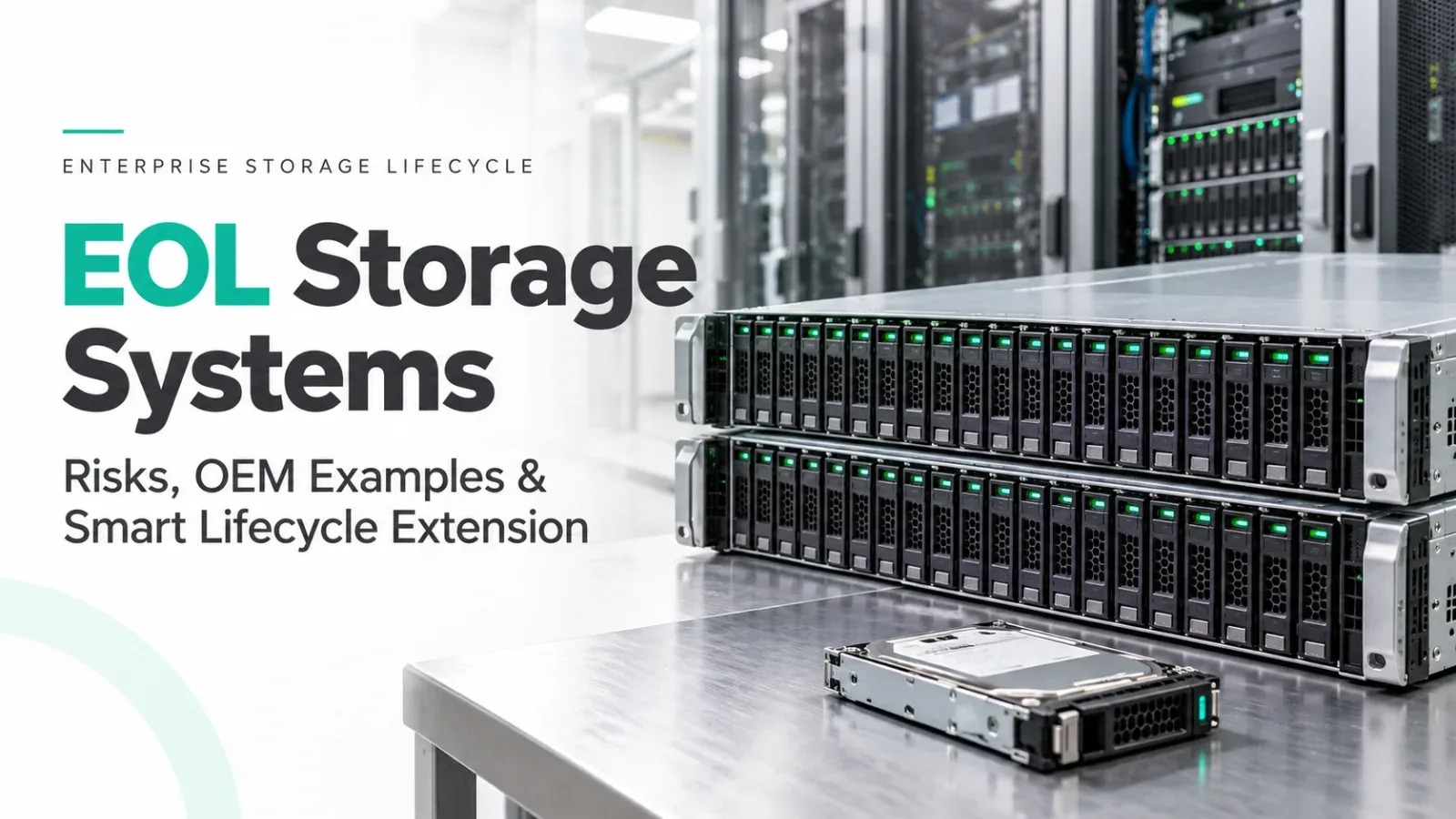
In many enterprise data centers, storage systems live much longer than servers. A SAN or NAS deployed 6–10 years ago may still be stable, performant, and deeply integrated with business applications. However, once a storage system reaches EOL (End of Life), organizations face a critical decision: replace immediately or extend the lifecycle safely.
This blog explains what EOL storage means, highlights real EOL storage examples from Dell, HPE, IBM, Cisco, and NetApp, discusses why blindly using EOL storage is risky, and clarifies why recently EOL storage systems can still be extended under Local AMC / Third Party Maintenance (TPM).
What Does EOL Mean for Storage Systems?
EOL (End of Life) indicates that the manufacturer has stopped selling a storage model. After EOL, the platform moves toward EOS (End of Support), when OEM support, firmware updates, and official spare parts availability are discontinued.
Unlike servers, storage systems involve:
- Data integrity
- Application dependency
- Replication and backup integration
So, an EOL decision for storage is far more sensitive than compute.
In simple terms: The storage may still run perfectly, but the OEM no longer wants to support it.
Common EOL Storage Systems (Real Enterprise Examples)
Below are widely used enterprise storage platforms that are already EOL or in late EOS phases and are still found in production environments.
Dell
- EMC VNX5200: VNX Series; Unified SAN / NAS. Source status: Fully EOL.
- EMC VNX5400: VNX Series; Unified SAN / NAS. Source status: Fully EOL.
- EMC VNX5600: VNX Series; Unified SAN / NAS. Source status: Fully EOL.
- EMC Unity 300: Unity Series (Entry); Unified SAN / NAS. Source status: EOL.
- EMC Unity 400: Unity Series (Mid); Unified SAN / NAS. Source status: Recently EOL / EOS.
- EMC Compellent SC4020: SC Series; Block SAN. Source status: EOL.
- EMC Compellent SC8000: SC Series; Block SAN. Source status: Fully EOL.
HPE
- 3PAR StoreServ 7200: 3PAR Gen5; Enterprise SAN. Source status: EOL.
- 3PAR StoreServ 7400: 3PAR Gen5; Enterprise SAN. Source status: EOL.
- 3PAR StoreServ 8400: 3PAR Gen5; Enterprise SAN. Source status: Recently EOL / EOS.
- MSA 2040: MSA Gen3; Entry SAN. Source status: Fully EOL.
- MSA 2050: MSA Gen4; Entry SAN. Source status: EOL.
- StoreVirtual 4330: LeftHand Series; Software-Defined SAN. Source status: Fully EOL.
IBM
- Storwize V3700: Storwize Series; Midrange SAN. Source status: Fully EOL.
- Storwize V5000: Storwize Series; Midrange SAN. Source status: EOL.
- Storwize V7000: Storwize Series; Enterprise SAN. Source status: EOL.
- DS4800: DS Series; Enterprise SAN. Source status: Fully EOL.
- FlashSystem 7200 (Legacy Gen): FlashSystem; Enterprise SAN. Source status: Recently EOL / EOS.
Cisco
- UCS S3260: UCS Storage Server; Software-Defined / HCI. Source status: EOL.
- UCS C3160: UCS Storage Server; Object / Unstructured. Source status: EOL.
- UCS S3240: UCS Storage Server; Software-Defined / HCI. Source status: Recently EOL / EOS.
NetApp
- FAS2240: FAS Series; Unified SAN / NAS. Source status: Fully EOL.
- FAS2552: FAS Series; Unified SAN / NAS. Source status: EOL.
- FAS8040: FAS Series; Unified SAN / NAS. Source status: Recently EOL / EOS.
- E2600: E-Series; Block SAN. Source status: Fully EOL.
- E2700: E-Series; Block SAN. Source status: EOL.
Why Using EOL Storage Without a Plan Is Dangerous
Storage failures are not like server failures. When storage goes down, entire application stacks stop.
Running EOL storage without support creates several risks.
First, there is no OEM escalation path. If a controller fails or firmware corruption occurs, OEMs will not provide replacement or engineering support.
Second, spare parts become scarce. Controllers, cache modules, NVRAM, and disks may have long lead times, increasing downtime risk.
Third, firmware and security vulnerabilities remain unpatched, which is a major compliance issue for regulated industries.
Finally, storage failures often result in data unavailability or corruption, which can be far more costly than hardware replacement.
EOL storage should never be operated casually.
Does EOL Mean Storage Must Be Replaced Immediately?
Not always.
There is a major difference between:
- Storage systems that became EOL many years ago
- Storage systems that became EOL recently (1–3 years)
Many recently EOL storage platforms are still:
- Technically stable
- Performance-adequate
- Well understood
- Supported by available spare ecosystems
Immediate replacement is often financially inefficient and operationally risky.
Why Recently EOL Storage Should Be Extended Under Local AMC
For recently EOL storage systems, Local AMC / Third Party Maintenance (TPM) is often the smartest approach.
Local AMC allows organizations to:
- Maintain local spare controllers, disks, and cache
- Receive faster onsite response than OEM logistics
- Reduce maintenance cost by 40–70%
- Continue stable workloads without forced migration
- Plan storage refresh on their own timeline
Most importantly, lifecycle extension buys time for controlled data migration, which is critical for storage environments.
When Storage Lifecycle Extension Is NOT Recommended?
Extending EOL storage is not suitable when:
- Failure rates are already increasing
- Controller architecture is obsolete
- Capacity or performance no longer meets demand
- Compliance requires OEM-backed firmware updates
- Business impact of outage is extremely high
In such cases, replacement or migration is the correct choice.
Smart Storage Lifecycle Strategy
A mature enterprise strategy looks like this:
- New or business-critical storage platforms remain under OEM support.
- Recently EOL but stable storage moves under Local AMC / TPM.
- Very old, high-risk arrays are planned for decommission and migration.
This avoids panic-driven upgrades and protects both data and budget.
Final Thoughts
EOL storage does not mean “stop using immediately.” It means stop using blindly.
Storage systems from Dell, HPE, IBM, Cisco, and NetApp often continue to run reliably long after OEM EOL, but only when backed by a clear support and lifecycle plan.
For recently EOL storage platforms, Local AMC / Third Party Maintenance is not a compromise. It is a practical, cost-effective, and responsible strategy that protects uptime while giving organizations control over migration timing.
In storage, planning matters more than age.
- #EOL storage
- #storage lifecycle
- #storage AMC
- #third-party maintenance
- #SAN storage
- #NAS storage
- #post-warranty support
- #storage migration
- #enterprise storage
Need help with this in your own setup?
Talk to a Servicing24 engineer. We’ll give you a plan and a clear price.