Eligible Intel MacBook SSD Upgrade & Storage Setup
by SafeTech
Check exact Intel MacBook storage eligibility before quoting an internal SSD installation or external-storage setup.
- Enterprise IT Support
- Certified Engineers
- On-site / Lab Service
- Service Tracking
- Starts from
- ৳1,500
- Service options
- Lab Service
- Service area
- Dhaka
- Turnaround
- 1–3 business days after parts are ready, estimated
Service Provider

About This Service
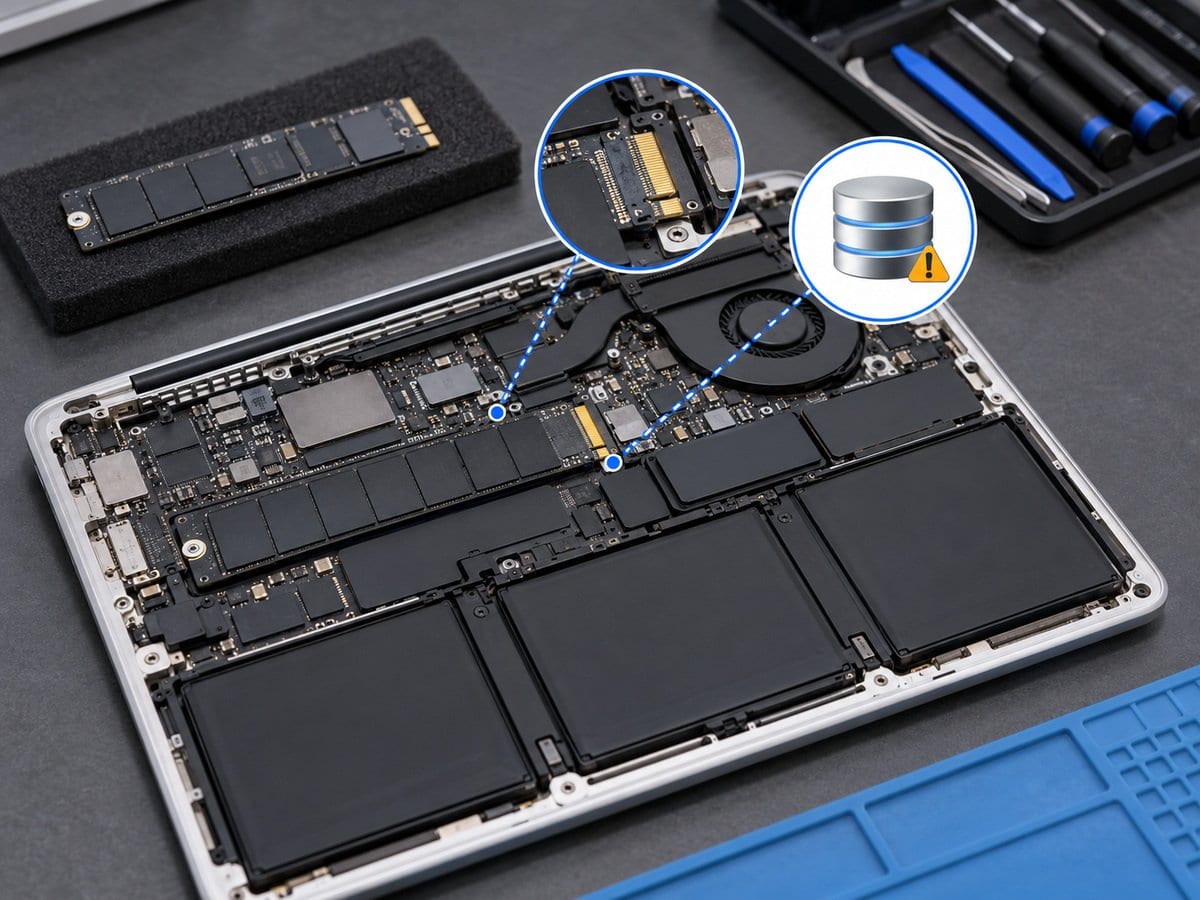
An SSD upgrade must start with the exact model and storage design, not a promise that every MacBook accepts a replacement drive. Some older Intel models allow a supported internal storage change, while many later MacBooks use integrated storage. This service confirms connector, firmware, operating-system support and installation feasibility before any part is ordered. Apple silicon NAND rework is excluded from routine SSD fitting and is not advertised as a normal upgrade. For an eligible Intel machine, the fitting quote is separate from the drive, adapters, operating-system work and transfer of files. A suitable external SSD may be proposed for additional working storage where appropriate, but it does not increase internal capacity or replace a backup plan. Source-drive health and the required files must be assessed before migration; failed-drive recovery follows a separate service.
Before work starts, the exact model/year and processor family, agreed scope, labour, parts condition and any required repair-completion steps are confirmed in a written quotation. Repair or replacement proceeds after customer approval. Important files should be backed up where possible; erasure, recovery and file transfer require explicit agreed scopes. Owner account actions are handled privately by the customer, not through a public booking form. Completion depends on fault complexity and parts availability. Send the model/year or model identifier, symptoms and a clear error photo to request an assessment.
Service workflow
1. Identify exact model and verify removable-drive/adapter compatibility
2. Quote eligible drive, fitting and separate OS/migration scope
3. Install/test approved storage or configure a suitable external solution
Frequently asked questions
Q: Does an SSD Upgrade ৳0 listing mean M1 storage can be upgraded free?
A: No. A zero placeholder is not evidence of a free service or technical eligibility. Integrated storage is excluded from routine fitting.
Q: How is the final cost confirmed?
A: The exact model, findings, parts, labour and applicable warranty are itemised in a written quotation before repair approval.
Q: How do I book this service?
A: Send the MacBook model/year, model identifier and processor family, symptoms, recent repair history and a photo or video of the error. Device acceptance and timing are confirmed by the service team.
Delivery and coverage
Lab Service. Dhaka; other locations and collection options subject to confirmation.
- Experienced Engineers
- Genuine & Compatible Spare Parts
- Repair Warranty on Eligible Parts
- Enterprise & Data Center Support Experience
Frequently Asked Questions
What's Included
Get a detailed report after the service.
- Fitting and basic detection test on a confirmed supported model
- drive/adapter/OS/migration extra.
How It Works
Get your device serviced in simple steps
- 1Book ServiceTell us the issue
- 2Engineer DiagnosisOn-site or in our lab
- 3Get QuotationAfter assessment
- 4Approve & RepairWe fix the issue
- 5Track & ReceiveReal-time updates
On-Site Service
Our engineer visits your location to diagnose and repair your device.
Servicing24 Lab
Send or bring your device to our lab for advanced diagnosis and repair.
Supported Brands
- Dell
- HP
- HPE
- Lenovo
- Asus
- Acer
- Other Brands
From ৳ 1,500