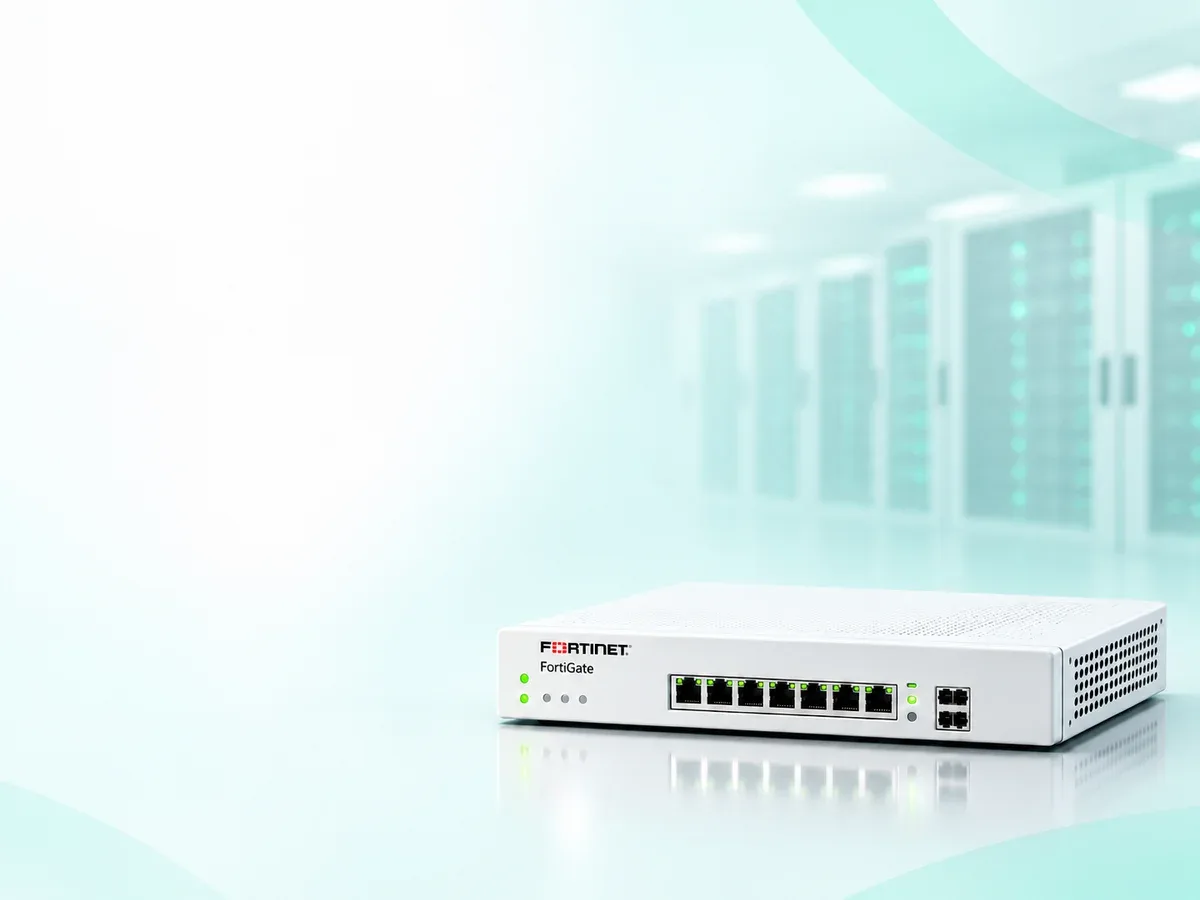
Fortinet FortiGate Slow Internet & High CPU Troubleshooting
by Servicing24 Limited
FortiGate slow internet and high CPU troubleshooting in Bangladesh through resource, traffic, interface and security inspection assessment.
- Enterprise IT Support
- Certified Engineers
- On-site / Lab Service
- Service Tracking
- Starts from
- ৳20,000
- Service options
- Remote · On-site · 24×7
- Service area
- Bangladesh (on-site coverage confirmed in quotation)
- Turnaround
- Confirmed after assessment and scope agreement
Service Provider

About This Service
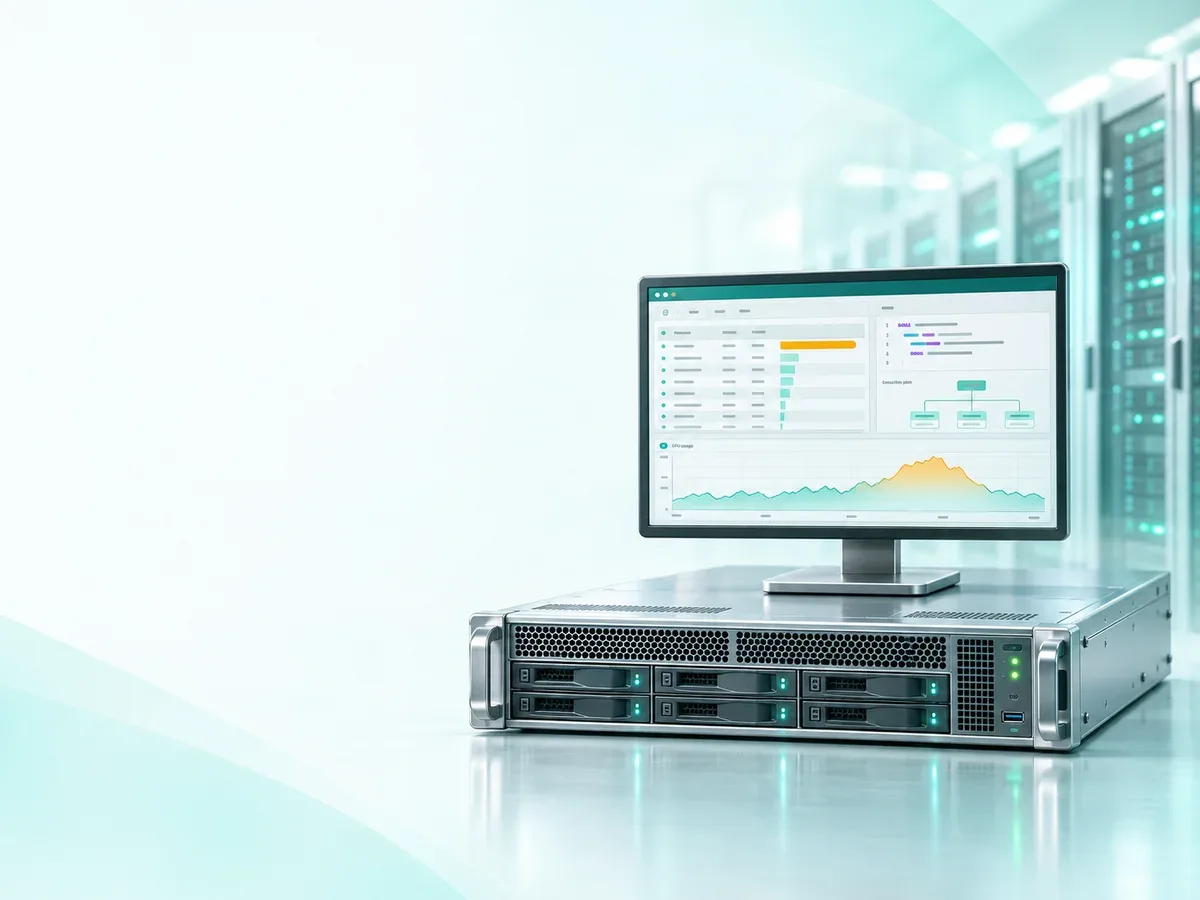
Users experiencing slow internet, application delays or high FortiGate CPU usage? Servicing24 assesses the agreed performance symptoms and workload.
We review resource history and current utilization, busy processes, session counts, interface errors and negotiated speed, traffic volume, inspection settings and relevant logs. We compare firewall processing symptoms with ISP, DNS, endpoint and downstream network dependencies. Hardware acceleration and model capacity are assessed where applicable to the deployed platform and traffic path.
Support includes approved scoped corrections and before-and-after checks under comparable agreed conditions. Security inspection is not disabled as a default performance fix. Increasing capacity, changing inspection policy or upgrading firmware requires separate impact and compatibility review. ISP speed tests alone do not establish firewall performance; actual results depend on traffic mix, encryption, inspection features and network conditions.
Share the model, serial number, FortiOS version, topology, affected traffic and relevant errors through an approved secure channel. Do not send administrator passwords, VPN secrets or unmasked configuration backups in the enquiry. Scope, charges, coverage, scheduling and service warranty are confirmed in the quotation. Production changes require customer approval, configuration backup, rollback planning and a maintenance window where needed. License purchases, subscriptions, OEM support contracts, hardware, ISP charges and wider network redesign are quoted separately. OEM escalation depends on valid entitlement and authorized account access. Firmware changes require separate compatibility and upgrade-path review. Resolution depends on the root cause and system condition; no fixed completion time or zero-downtime guarantee is implied.
- Experienced Engineers
- Genuine & Compatible Spare Parts
- Repair Warranty on Eligible Parts
- Enterprise & Data Center Support Experience
Frequently Asked Questions
What's Included
Get a detailed report after the service.
- Resource and process review
- Traffic and session assessment
- Interface and network dependency checks
- Inspection workload review
- Findings
How It Works
Get your device serviced in simple steps
- 1Book ServiceTell us the issue
- 2Engineer DiagnosisOn-site or in our lab
- 3Get QuotationAfter assessment
- 4Approve & RepairWe fix the issue
- 5Track & ReceiveReal-time updates
On-Site Service
Our engineer visits your location to diagnose and repair your device.
Servicing24 Lab
Send or bring your device to our lab for advanced diagnosis and repair.
Supported Brands
- Dell
- HP
- HPE
- Lenovo
- Asus
- Acer
- Other Brands
From ৳ 20,000