MacBook Slow Performance, Freezing & App Troubleshooting
by SafeTech
Use workload, memory-pressure and storage evidence to scope MacBook performance troubleshooting.
- Enterprise IT Support
- Certified Engineers
- On-site / Lab Service
- Service Tracking
- Starts from
- ৳1,200
- Service options
- Lab Service
- Service area
- Dhaka
- Turnaround
- 1–3 business days, estimated
Service Provider

About This Service
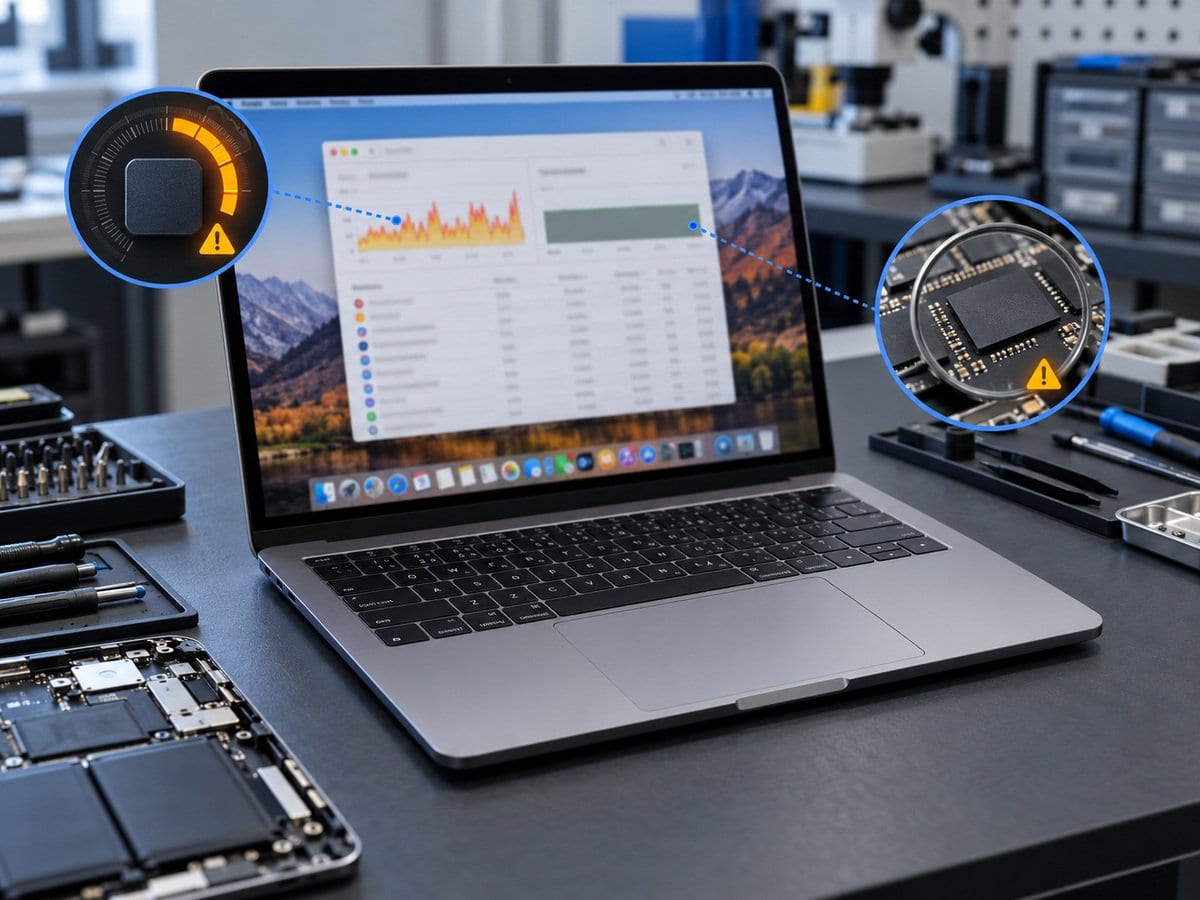
A spinning beachball can involve an application, low available storage, memory pressure or a hardware fault. We record the workload that triggers the slowdown and compare actual CPU, memory and storage behaviour where the Mac can run. Removing random files or selling an unsupported RAM upgrade is not a useful first step. Agreed login items, application settings and available-space management are reviewed without deleting personal files without permission. Apple silicon memory cannot be treated as a routine removable RAM module, so capacity limitations may require workload changes or a different device rather than a fitting service. A faulty drive or unstable hardware follows a separate repair route. The final check repeats the agreed task and records the observed result, without guaranteeing a percentage speed increase or making an old model support every new application.
Before work starts, the exact model/year and processor family, agreed scope, labour, parts condition and any required repair-completion steps are confirmed in a written quotation. Repair or replacement proceeds after customer approval. Important files should be backed up where possible; erasure, recovery and file transfer require explicit agreed scopes. Owner account actions are handled privately by the customer, not through a public booking form. Completion depends on fault complexity and parts availability. Send the model/year or model identifier, symptoms and a clear error photo to request an assessment.
Service workflow
1. Reproduce agreed task and review CPU/memory/storage evidence
2. Apply approved app/login-item/space-management changes
3. Repeat the task and explain capacity or hardware limits
Frequently asked questions
Q: Can RAM simply be added to an M-series MacBook?
A: No routine removable-RAM upgrade is offered. Check workload and memory pressure, then discuss realistic capacity options.
Q: How is the final cost confirmed?
A: The exact model, findings, parts, labour and applicable warranty are itemised in a written quotation before repair approval.
Q: How do I book this service?
A: Send the MacBook model/year, model identifier and processor family, symptoms, recent repair history and a photo or video of the error. Device acceptance and timing are confirmed by the service team.
Delivery and coverage
Lab Service. Dhaka; other locations and collection options subject to confirmation.
- Experienced Engineers
- Genuine & Compatible Spare Parts
- Repair Warranty on Eligible Parts
- Enterprise & Data Center Support Experience
Frequently Asked Questions
What's Included
Get a detailed report after the service.
- One agreed workload/app and basic startup/space review
- no data deletion or hardware repair.
How It Works
Get your device serviced in simple steps
- 1Book ServiceTell us the issue
- 2Engineer DiagnosisOn-site or in our lab
- 3Get QuotationAfter assessment
- 4Approve & RepairWe fix the issue
- 5Track & ReceiveReal-time updates
On-Site Service
Our engineer visits your location to diagnose and repair your device.
Servicing24 Lab
Send or bring your device to our lab for advanced diagnosis and repair.
Supported Brands
- Dell
- HP
- HPE
- Lenovo
- Asus
- Acer
- Other Brands
From ৳ 1,200