Dell Laptop No Power / Not Turning On Repair
by SafeTech
Assess and repair supported Dell laptop no-power faults, including power-button, connector and power-path problems.
- Enterprise IT Support
- Certified Engineers
- On-site / Lab Service
- Service Tracking
- Starts from
- ৳1,500
- Service options
- Lab Service
- Service area
- Dhaka
- Turnaround
- 2–7 business days, estimated
Service Provider

About This Service
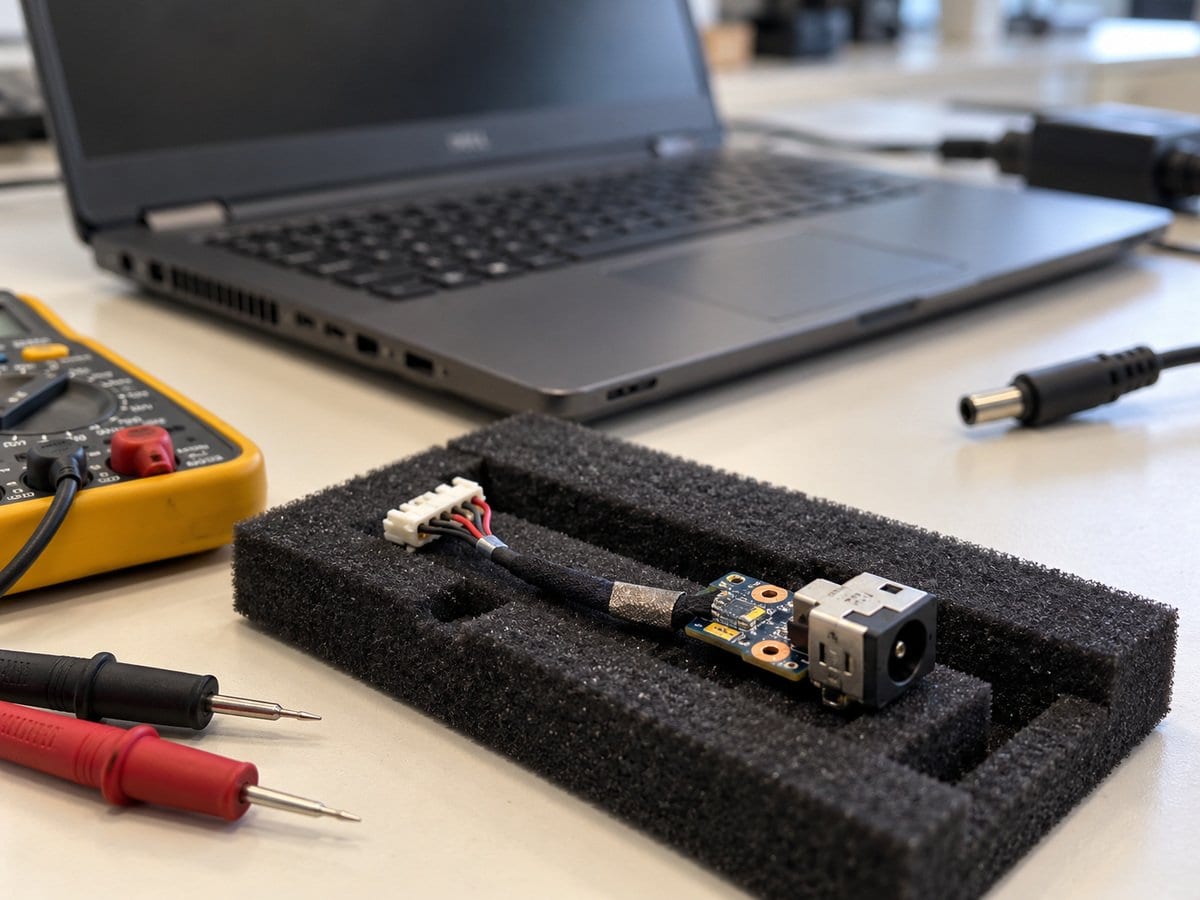
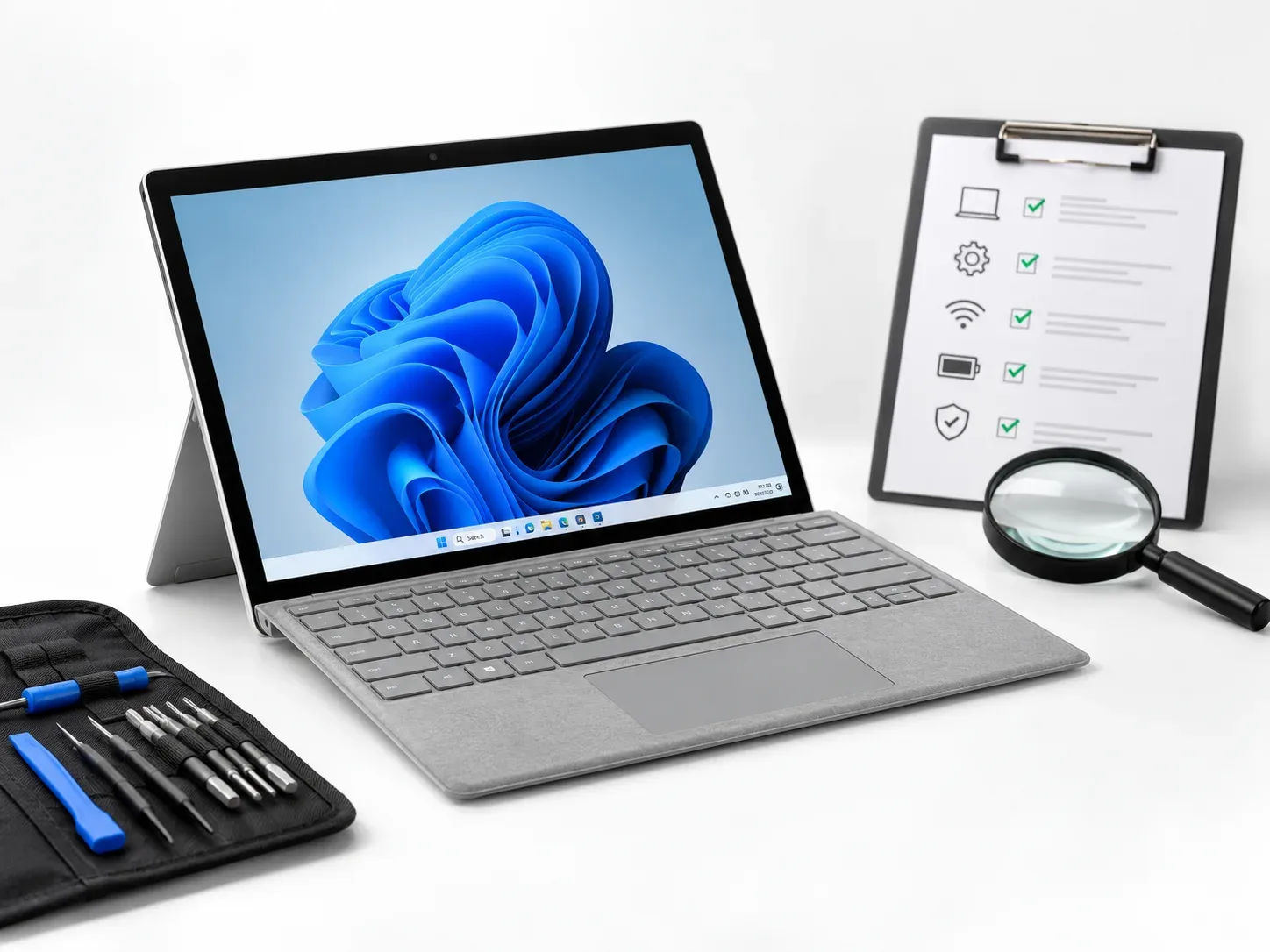
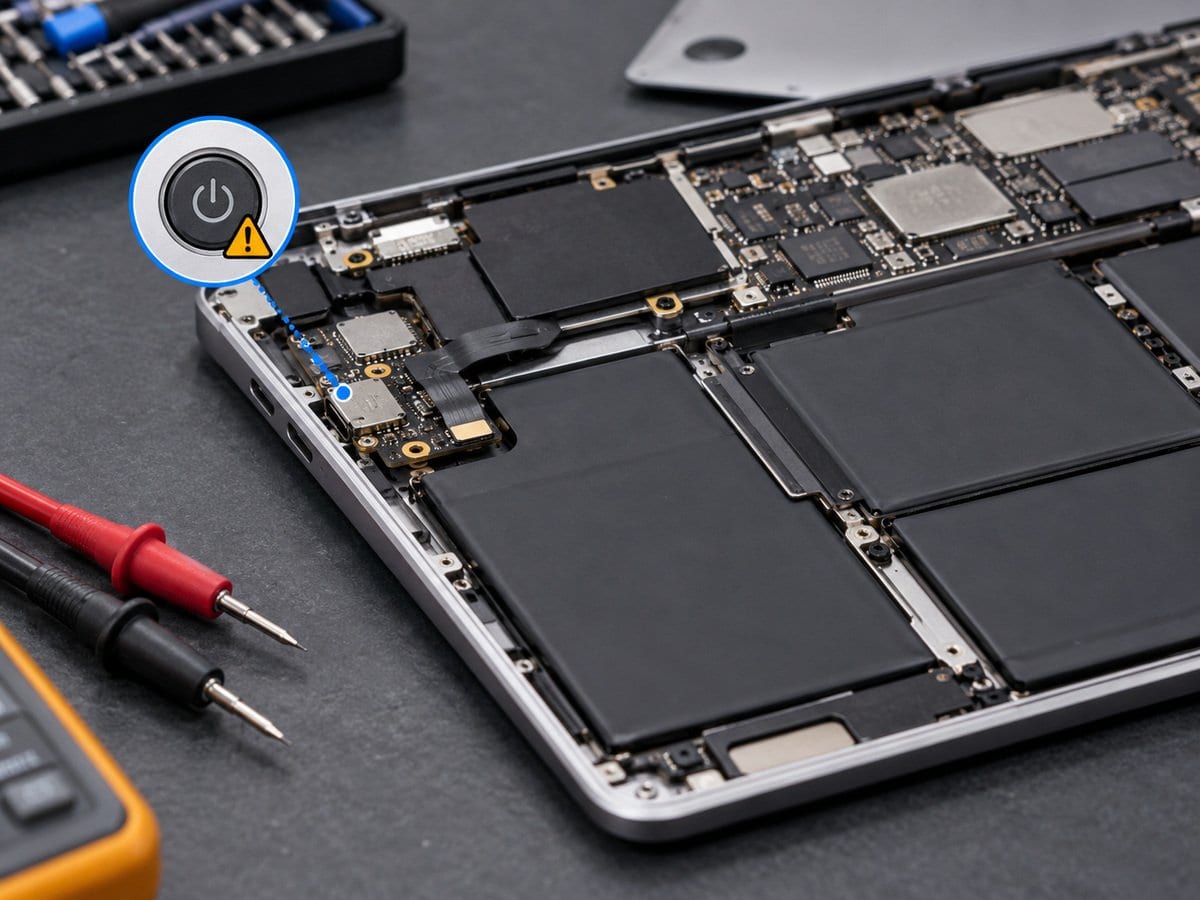
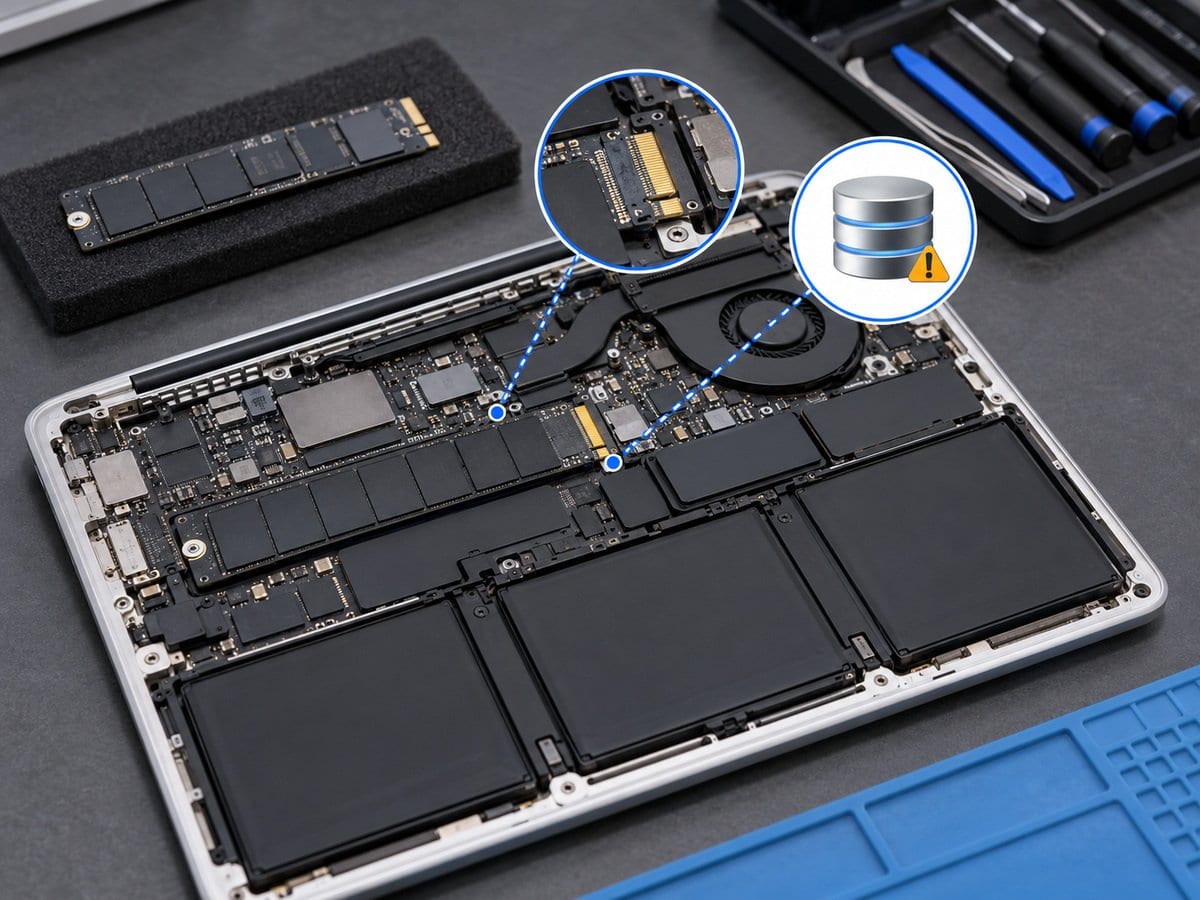
When an Dell laptop shows no lights, no fan activity and no response to the power button, several different faults can look the same. The service starts by separating an adapter or connection problem from a battery, power-button or internal power-path fault. A suitable known-good power source is used where available, followed by model-appropriate inspection. The repair route depends on the evidence: an accessible connection may need attention, a damaged component may need replacement, or a deeper board fault may require a separate quotation. If lights and fan activity are present but the screen stays blank, the device is instead assessed through the black-screen service. Board replacement is considered only after fault isolation and an explanation of repair feasibility.
Before work starts, the exact model, service scope, labour charge and any required parts are confirmed in a written quotation. Repair or replacement proceeds after customer approval. Important files should be backed up where possible, and any formatting or data transfer requires an agreed scope. Completion time depends on the fault, model construction and parts availability. Send the model and Service Tag, symptoms and a clear photo of any error to request an assessment.
Service workflow
1. Check correct adapter, power LEDs, connectors and model-supported checks
2. Isolate power-button, battery and power-input faults; use M-BIST only where supported
3. Complete approved repair and repeated power-on checks
Frequently asked questions
Q: Does a dead laptop always need a motherboard?
A: No. The adapter, battery, connections and power-button path must be checked before a motherboard decision.
Q: How is the final cost confirmed?
A: The exact model, findings, parts, labour and applicable warranty are itemised in a written quotation before repair approval.
Q: How do I book this service?
A: Send the Dell model and Service Tag, symptoms, recent repair history and a photo or video of the error. Device acceptance and timing are confirmed by the service team.
Delivery and coverage
Lab Service. Dhaka; other locations and collection options subject to confirmation.
- Experienced Engineers
- Genuine & Compatible Spare Parts
- Repair Warranty on Eligible Parts
- Enterprise & Data Center Support Experience
Frequently Asked Questions
What's Included
Get a detailed report after the service.
- Approved minor connection or power-button-path work and power-on testing
- replacement parts excluded.
How It Works
Get your device serviced in simple steps
- 1Book ServiceTell us the issue
- 2Engineer DiagnosisOn-site or in our lab
- 3Get QuotationAfter assessment
- 4Approve & RepairWe fix the issue
- 5Track & ReceiveReal-time updates
On-Site Service
Our engineer visits your location to diagnose and repair your device.
Servicing24 Lab
Send or bring your device to our lab for advanced diagnosis and repair.
Supported Brands
- Dell
- HP
- HPE
- Lenovo
- Asus
- Acer
- Other Brands
From ৳ 1,500