HP Laptop Liquid Damage Assessment & Repair
by SafeTech
Inspect liquid-exposed HP laptops, assess corrosion and quote cleaning, repair or replacement based on actual damage.
- Enterprise IT Support
- Certified Engineers
- On-site / Lab Service
- Service Tracking
- Starts from
- On assessment
- Service options
- Lab Service
- Service area
- Dhaka
- Turnaround
- 3–10 business days, estimated
Service Provider

About This Service
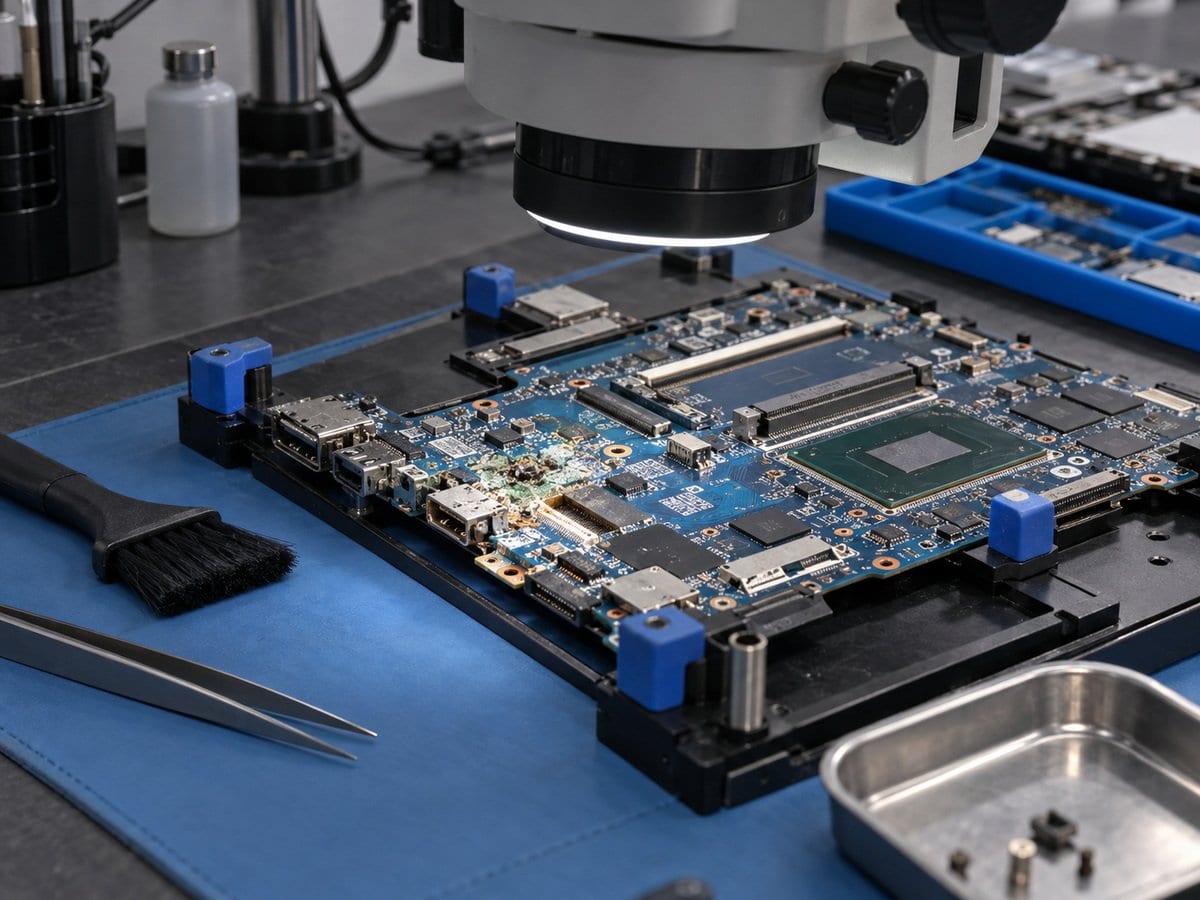
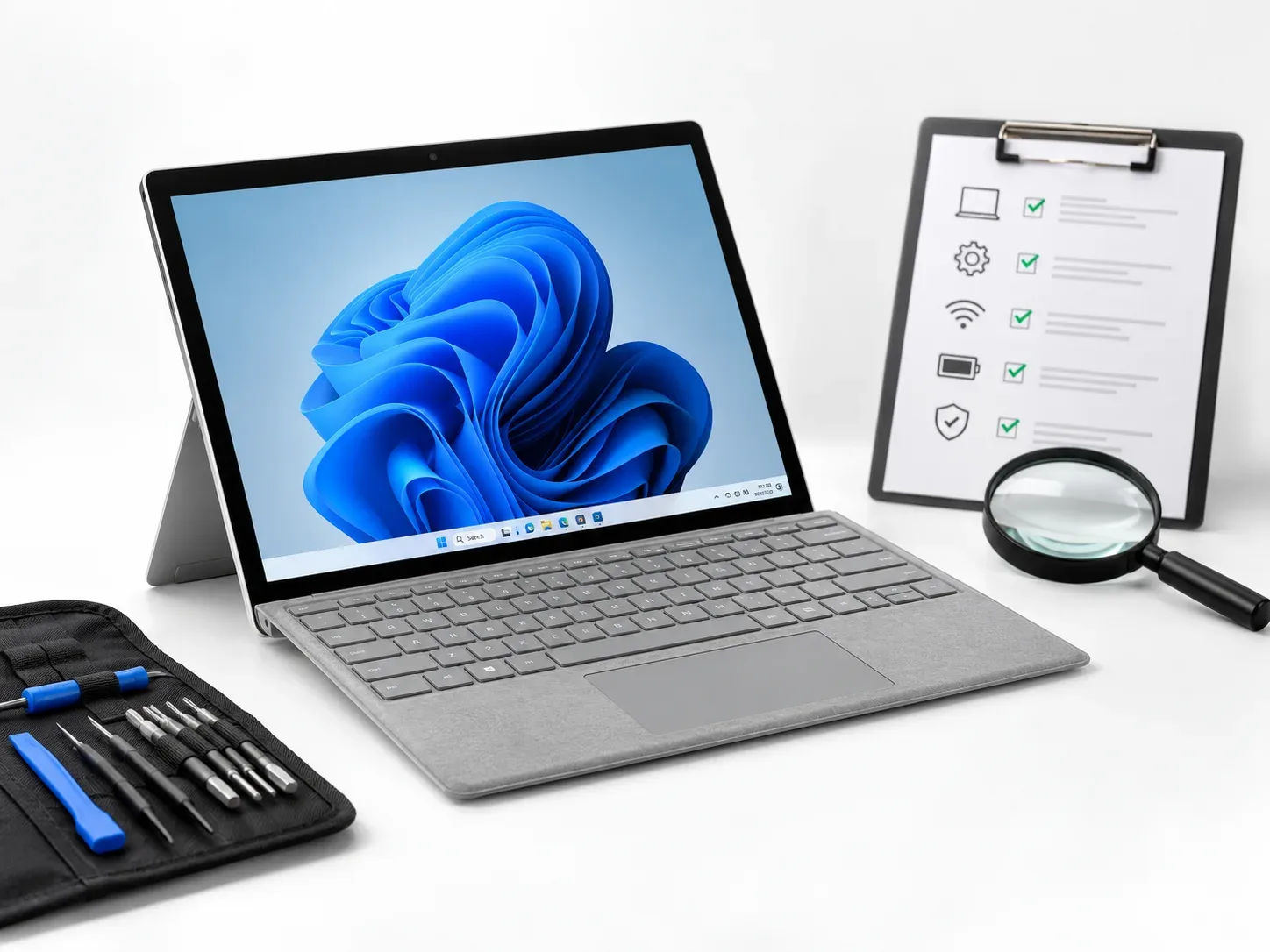
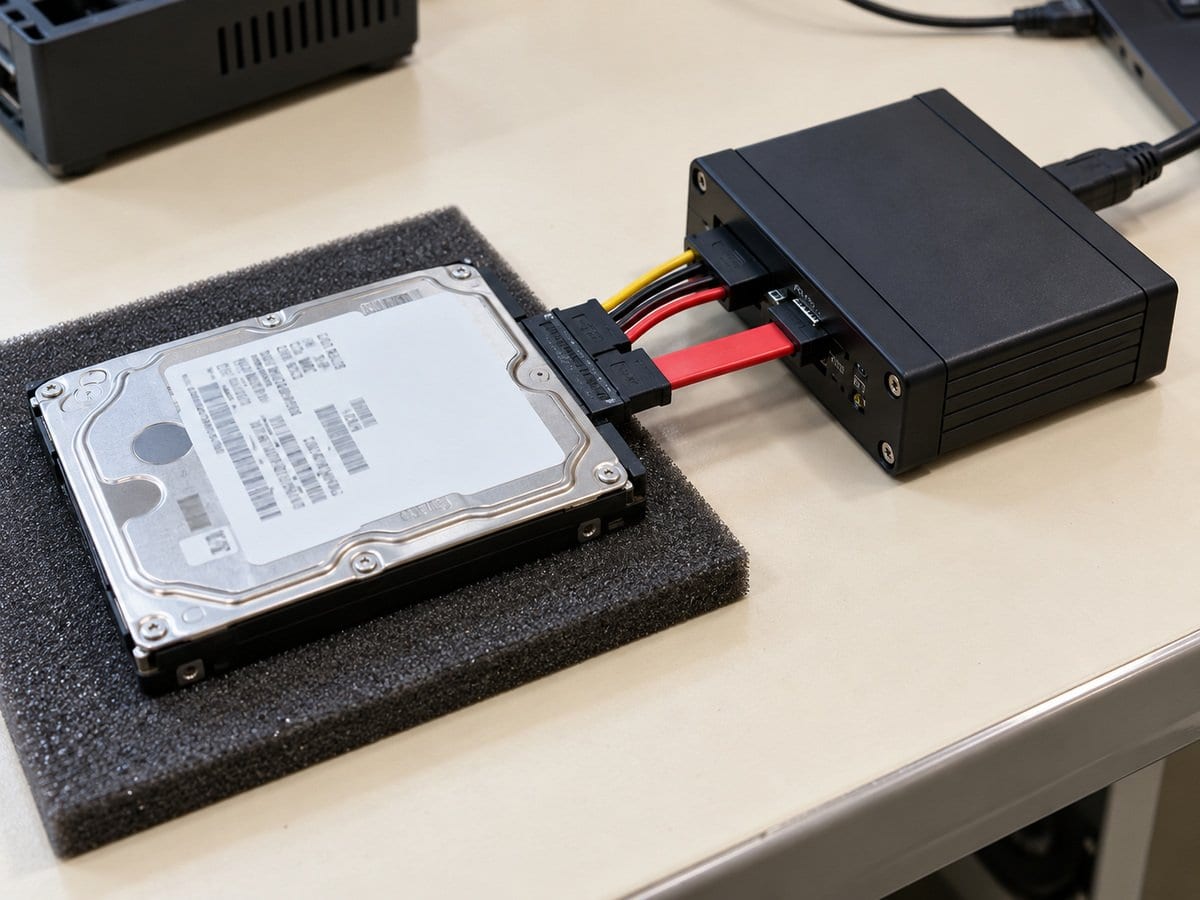
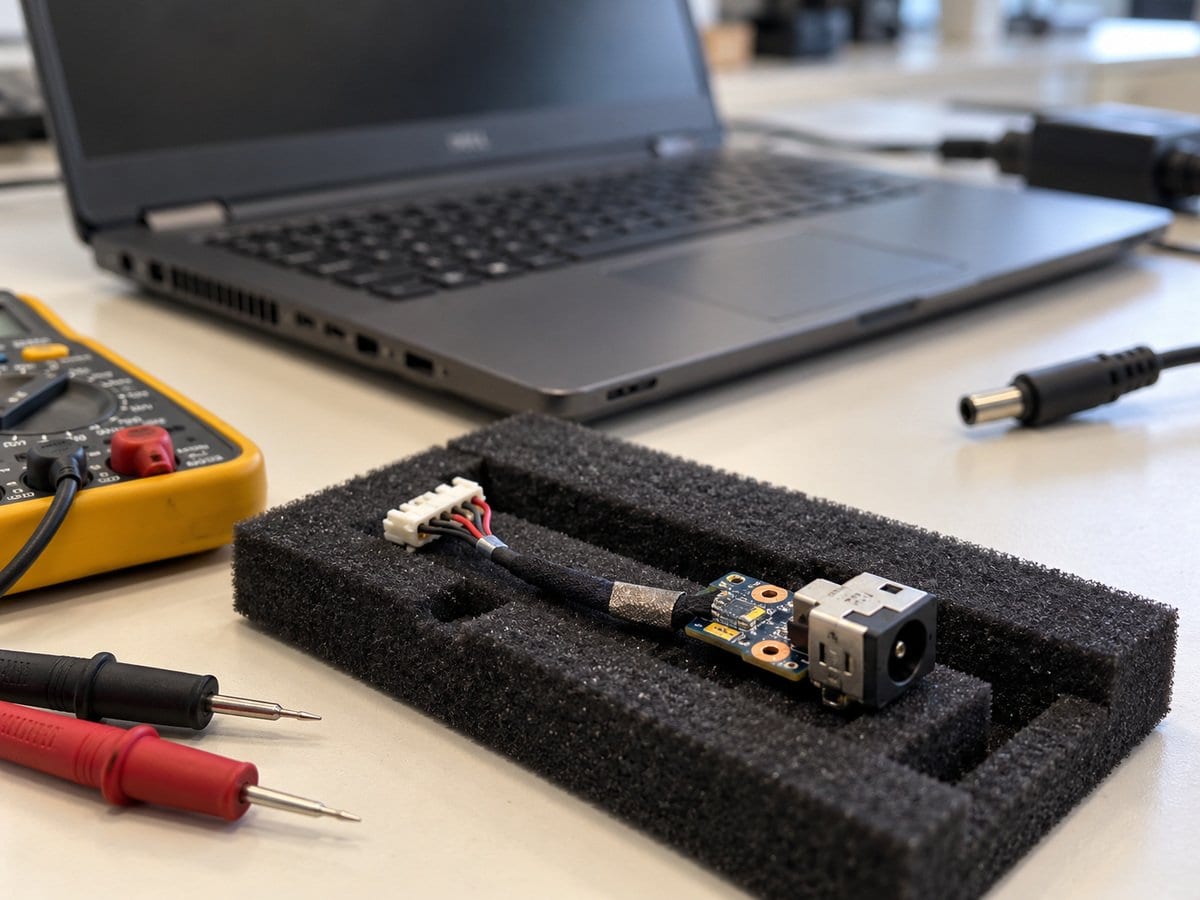
Liquid exposure can affect the keyboard, connectors, battery area and motherboard, sometimes with faults appearing later. Stop using the laptop, disconnect its charger and avoid repeated power-on attempts until it is assessed. This service records the spill type and timing, inspects affected areas and proposes an appropriate cleaning or repair route. Cleaning alone is not described as a complete repair when corrosion or failed components remain. Each affected assembly is considered separately, and the data-access plan is discussed before functional work that could risk important files. A successful initial power-on does not prove that all liquid-related faults have been eliminated. The quotation states the work, uncertainty and applicable terms; recovery and long-term reliability cannot be guaranteed for every liquid-damaged device.
Before work starts, the exact model, service scope, labour charge and any required parts are confirmed in a written quotation. Repair or replacement proceeds after customer approval. Important files should be backed up where possible, and any formatting or data transfer requires an agreed scope. Completion time depends on the fault, model construction and parts availability. Send the model/product number, symptoms and a clear photo of any error to request an assessment.
Service workflow
1. Record spill timing and inspect affected assemblies
2. Assess cleaning, corrosion and component/assembly damage
3. Quote and carry out approved work; retest affected functions
Frequently asked questions
Q: Will cleaning guarantee the laptop is permanently fixed?
A: No. Corrosion, failed components and delayed faults can remain. The repair scope and limitations must be explained.
Q: How is the final cost confirmed?
A: The exact model, findings, parts, labour and applicable warranty are itemised in a written quotation before repair approval.
Q: How do I book this service?
A: Send the HP model/product number, symptoms, recent repair history and a photo or video of the error. Device acceptance and timing are confirmed by the service team.
Pricing and service terms: Published charges below are proposals from the supplied service draft, not an approved tariff. Numeric prices are starting charges for the stated scope. Parts, licences, data transfer, visits and taxes are included only when expressly stated in the written quotation. Dhaka service acceptance is subject to confirmation. Lab Service.
- Experienced Engineers
- Genuine & Compatible Spare Parts
- Repair Warranty on Eligible Parts
- Enterprise & Data Center Support Experience
Frequently Asked Questions
What's Included
Get a detailed report after the service.
- Inspection and appropriate cleaning scope agreed before work
- successful repair not implied.
- Price on request
- scope and total quoted after assessment.
How It Works
Get your device serviced in simple steps
- 1Book ServiceTell us the issue
- 2Engineer DiagnosisOn-site or in our lab
- 3Get QuotationAfter assessment
- 4Approve & RepairWe fix the issue
- 5Track & ReceiveReal-time updates
On-Site Service
Our engineer visits your location to diagnose and repair your device.
Servicing24 Lab
Send or bring your device to our lab for advanced diagnosis and repair.
Supported Brands
- Dell
- HP
- HPE
- Lenovo
- Asus
- Acer
- Other Brands